What is the best software for a Chief of Administration? 2026 guide
Published 24 November 2026
The best software for a Chief of Administration is a stack, not one product. A Chief of Administration, also titled Chief Administrative Officer, Director of Administration or Deputy Chief of Administration, owns the back office: budget and finance, HR and personnel, procurement, facilities, technology, policy and records. Most run it on an office suite (Microsoft 365 or Google Workspace), a work management tool (monday.com, Asana or Smartsheet), Power BI for reporting, an HR and finance system such as Workday, and a system of record for the people side. In public safety, where the Chief of Administration also owns certifications, training records, policy acknowledgment, accreditation and professional standards, that system of record is Essential Personnel.
This guide is for chief administrative officers in companies and local government, for the deputy and assistant chiefs of administration in fire and police departments, and for the HR, finance, training and logistics staff who report to them. It explains what the role owns, which office management software, work management software and public safety software handles each part of it, what each of the big names is best at and where each one stops. It's here to help you understand the options and choose the right tool for each job in your organization.
We compared eight tools on the five things you need to know before you buy: the job each one is best at, its published price, the size of its integration directory, what it connects to, and what it doesn't hold. Every price and integration count comes from the vendor's own pages, checked in November 2026, so you can confirm any line yourself.
Microsoft 365 is the best office suite for most Chief of Administration roles, monday.com the most flexible work management software, Smartsheet the closest fit for spreadsheet-minded government teams, and Power BI the reporting layer. None of them holds certifications with expiration dates, training hours against state requirements, policy acknowledgments tied to a member's file, task books or internal affairs cases, and we found no connector in their directories for Vector Solutions, ProdigyEMS, Aladtec, ESO or First Due. Essential Personnel isn't an office suite, a project tool, a scheduler or a learning management system, so you keep those. What they give a public safety Chief of Administration is one file per member that holds those records, fed by those systems, with your people signing in through their Microsoft or Google account.
The best software for a Chief of Administration: eight tools compared
Microsoft 365 or Google Workspace runs the office, monday.com, Asana or Smartsheet runs projects and requests, Power BI reports across them, and Workday or a city ERP holds HR and payroll. Essential Personnel holds the public safety people record: certifications, training hours, policy acknowledgments, performance, internal affairs and issued equipment.
What each tool is best at, what it costs and what it leaves out. Prices are per user, from each vendor's own pricing page, November 2026.
The public safety people record: certifications, training, policy, performance, internal affairs, equipment
$175 a year for all four suites, or $20 to $85 a suite; $3,000 start-up
Vector Solutions, ProdigyEMS, Aladtec, ESO, First Due and more; sign-in through Microsoft Entra ID or Google Workspace
Not an office suite, project tool, scheduler or learning management system
What does a Chief of Administration or chief administrative officer do?
A Chief of Administration, or chief administrative officer, runs the functions that keep an organization working: budget and finance, HR, procurement, technology, facilities, policy and records. In a fire or police department the same role also owns training records, certifications, accreditation, internal affairs and issued equipment.
In a company, the chief administrative officer usually sits beside the chief operating officer and takes the support functions off the CEO's desk: HR, finance operations, facilities, legal and administrative services, and the systems that run them. In local government the title is often written into the charter. Richmond, Virginia's Chief Administrative Officer is appointed by the Mayor with City Council approval and is responsible for the day-to-day operations of city government, with a Finance and Administration portfolio that runs the budget, finance, human resources, information technology and procurement. Philadelphia's office of the chief administrative officer oversees seven city departments and offices with a brief to modernize how the city works.
In public safety the title moves down a level and picks up the people records. Fire department job specifications from Chattanooga, Fort Worth and Richmond give the Deputy Chief of Administration promotional processing, recruitment, HR processing, budget and payroll, personnel and training records, policy and purchasing. In police departments the same work sits in an administrative services bureau. Tacoma's, led by an assistant chief, covers internal affairs, accreditation, records, policy and procedures, recruiting, hiring, training, the quartermaster and the vehicle fleet. Baytown's covers finance, training and personnel development, communications and records.
So every Chief of Administration answers for money, process and people. The money and the process look the same everywhere, and the same office management software handles them. The people side is where public safety differs, because a firefighter's or an officer's record carries certifications that expire, state training hours, signed policies, evaluations and investigations that have to stand up to an audit, a lawsuit or an accreditation visit.
What software does a Chief of Administration need?
A Chief of Administration needs five layers: an office suite, work management software, reporting, an HR and finance system, and a system of record for the people side. Microsoft 365, monday.com, Power BI and Workday cover the first four for most organizations. In public safety, the fifth is personnel management software built for fire and police, such as Essential Personnel.
Each part of the job, the software that usually handles it, and what changes in a fire or police department.
Part of the job
Usual software
In a fire or police department
Email, documents, meetings, files
Microsoft 365 or Google Workspace
The same, usually bought through the city or county
Projects, requests and approvals
monday.com, Asana or Smartsheet
The same, for station builds, apparatus and vehicle purchases, grant projects and accreditation work plans
Essential Personnel, fed by course providers such as Vector Solutions and ProdigyEMS
Policy, memos and acknowledgment
SharePoint or Drive, plus email
Essential Personnel's Guidance suite, with version history and who signed which version
Evaluations, discipline, internal affairs, early intervention
The HR system
Essential Personnel, on the same file as training and policy
Shift scheduling
The HR or workforce system
A public safety scheduler such as Aladtec, connected to Essential Personnel
Issued equipment and fleet
An asset or facilities tool
Essential Personnel's Equipment suite, assigned to the member
The first five rows look the same whether you run administration for a software company, a county or a fire department, and the tools in this guide are the right answer for them. The last five are where a public safety Chief of Administration spends the hardest hours: building a promotion list, answering a records request, preparing for an accreditation visit or an ISO review. Those answers draw on one person's certifications, hours, signed policies, evaluations and gear, and they need a record built to hold them. See our product overview for how Essential Personnel splits that record into suites.
Office management software: Microsoft 365 or Google Workspace?
Choose Microsoft 365 if your organization runs on Outlook, Excel and Teams, needs a government cloud tenant or wants Power BI included at the E5 level. Choose Google Workspace if your staff already live in Gmail and Drive and want simpler, browser-first collaboration. Both cost $7, $14 or $22 a user a month on their main annual plans.
As office management software the two are closer than their fans admit. Both give you email, calendars, documents, spreadsheets, video meetings and shared storage, and since July 2026 their entry plans even carry the same annual prices: Microsoft 365 Business Basic, Standard and Premium at $7, $14 and $22 a user a month, and Google Workspace Business Starter, Standard and Plus at the same three figures on an annual plan. Google's Business plans stop at 300 users. Larger organizations move to Microsoft 365 E3 and E5 ($39 and $60) or Google's Enterprise editions, which are quoted, and government agencies buy through each vendor's government plans.
For a Chief of Administration the deciding factors are usually what the rest of the organization already runs, whether you need a government tenant, and reporting. Microsoft's government plans run on their GCC clouds, and Power BI Pro is included in Microsoft 365 E5. Google sells Google Workspace for Government through their sales team. Either one is a sound base, and either one can sign your people into Essential Personnel, which supports single sign-on through Microsoft Entra ID and Google Workspace.
Work management software: monday.com vs Asana vs Smartsheet
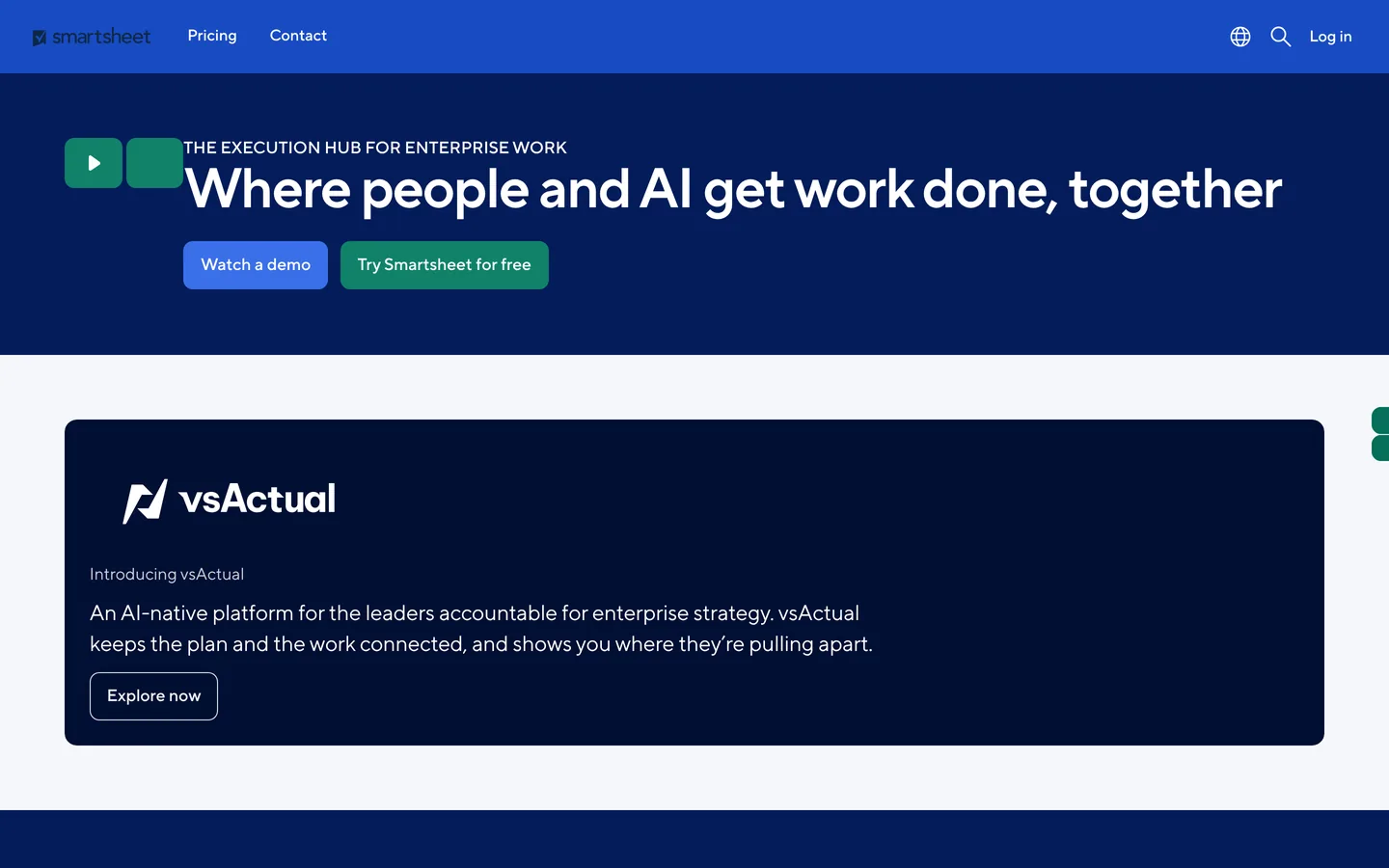
monday.com vs Asana vs Smartsheet comes down to how your team thinks. monday.com suits a Chief of Administration who wants every department's requests and workflows on configurable boards. Asana suits cross-team projects tied to goals. Smartsheet suits teams that think in spreadsheets, and it has a government edition, Smartsheet Gov.
All three are strong work management software, and the price gap is small. monday.com charges $9, $12 or $19 a seat a month on their Basic, Standard and Pro plans, billed annually, and is free for up to two seats. Asana's Starter and Advanced plans are $10.99 and $24.99 a user a month billed annually. Smartsheet's Pro plan is $9 a member a month for one to ten members, and Business is $19, both billed yearly.
The real difference in the monday.com vs Asana choice is shape. monday.com is the most configurable of the three: a board can be a purchasing queue, a facilities request log or a hiring pipeline, and it lists 850+ integrations and apps, including Microsoft Teams, Power BI, Outlook and Google Drive. Asana is more opinionated about projects, portfolios and goals, which suits a chief administrative officer running cross-department initiatives, and its apps directory lists more than 600 integrations. Smartsheet's grid feels like Excel with workflows and dashboards on top, and its 175+ integrations include connectors for Workday and ServiceNow, which matters when your projects draw on HR and IT data.
If you're weighing monday.com vs Asana for a government administration office, it's worth adding Smartsheet to the comparison because of Smartsheet Gov. If you're weighing monday.com vs Asana for a company, pick the one your department heads will actually update, because that's what decides whether the board is true.
Where office management software stops and public safety software starts
Microsoft 365, Google Workspace, monday.com, Asana, Smartsheet and Power BI don't hold certifications with expiration dates, training hours against state requirements, policy acknowledgments tied to a member's file, task books, or internal affairs and early intervention cases. We found no connector in their integration directories for Vector Solutions, ProdigyEMS, Aladtec, ESO or First Due.
These are excellent tools with enormous integration directories. Microsoft's connector reference for Power Automate lists about 1,700 connectors, monday.com lists 850+ integrations and apps, Asana's directory lists more than 600, Smartsheet lists over 175, and Power BI's Power Query list has more than 200. Between them they reach almost every system a corporate chief administrative officer runs: Workday, ServiceNow, Salesforce, Jira, QuickBooks, Slack, Zoom.
What they reach is the business world. We searched Microsoft's connector reference, Power BI's connector list, Asana's apps directory and Smartsheet's integrations page in November 2026 and found no connector for Vector Solutions, ProdigyEMS, Aladtec, ESO or First Due, the training, scheduling and records systems fire and police departments run on, and searches of the monday.com and Google Workspace marketplaces turned up none either. If one of those systems offers an export or an API, someone on your staff can wire it in with Power Automate or a Power BI web connector, and then that person owns it.
The records themselves are the bigger gap. You can build a certification list in SharePoint or a Smartsheet with a reminder column, and plenty of departments have. It holds what someone typed in. It doesn't know a paramedic's state license, national registry card and agency authorization each run on their own cycle, it can't total ISO company hours, it can't show which version of a policy each member signed, and it can't keep an internal affairs case with the access controls and history an investigation needs. Workday is the partial exception: it can record licenses and certifications with expiration dates. It still has no task books, state training hour reporting, internal affairs or early intervention, and nothing in the public safety training and scheduling world feeds it.
So a public safety Chief of Administration who runs on the generic stack alone ends up rebuilding the people record by hand, in spreadsheets and boards, and maintaining it every time someone renews a card or signs a policy. That's the layer public safety software such as Essential Personnel is for.
The tools, one by one
Each profile covers what the tool is best at, its published price, what it connects to and where it stops for a Chief of Administration. The order follows the stack, from the office suite to the people record.
Best forEmail, documents, Teams and SharePoint for organizations already on Microsoft
Published priceBusiness Basic $7, Standard $14, Premium $22 per user per month, paid yearly; Microsoft 365 E3 $39, E5 $60
IntegrationsAbout 1,700 connectors in the Power Automate reference
GovernmentG3 and G5 plans on Microsoft's government clouds, quoted
Key stat. Microsoft's July 2026 price update raised Business Basic from $6 to $7 and Business Standard from $12.50 to $14, kept Business Premium at $22, and moved Microsoft 365 E3 to $39 and E5 to $60.
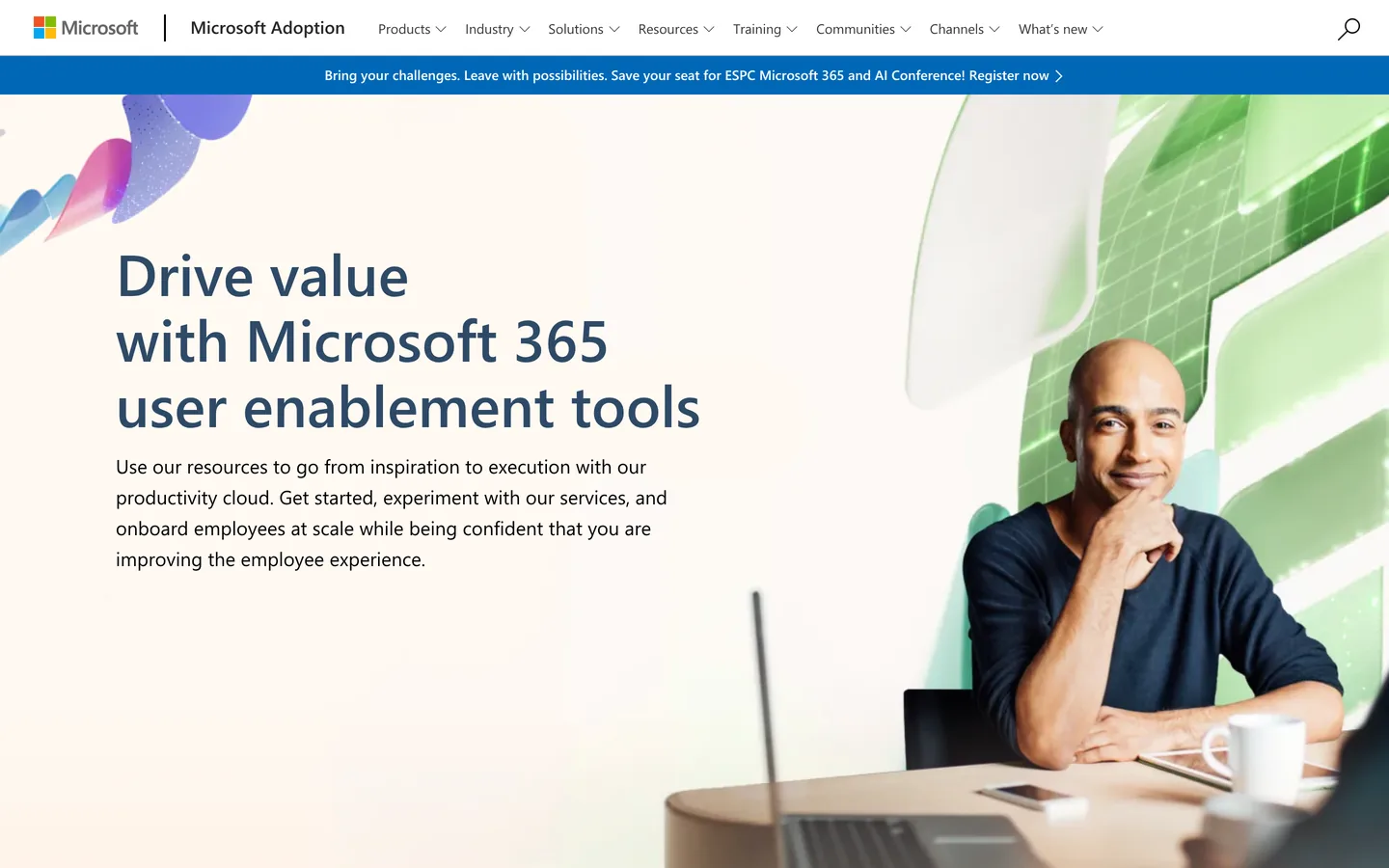
Microsoft 365 is the default office management software for most companies and local governments: Outlook, Word, Excel, PowerPoint, Teams, SharePoint and OneDrive, with Power Automate for workflows and Entra ID for sign-in. Microsoft runs an adoption site with rollout guides for each app, which helps an administration office bringing a whole department onto it.
Strengths
The suite most city, county and corporate IT already runs
Government cloud plans for agencies that need them
Power BI Pro included in E5, and Entra ID single sign-on into other systems
Limitations
No member file, credential expirations or policy acknowledgment trail
No connector for Vector Solutions, ProdigyEMS, Aladtec, ESO or First Due
SharePoint lists built to track people records are maintained by hand
Verdict
The best office suite for most Chief of Administration roles, and the sign-in your people can use for everything else.
Best forBrowser-first collaboration in Gmail, Drive, Docs and Meet
Published priceBusiness Starter $7, Standard $14, Plus $22 per user per month on an annual plan; $8.40, $16.80, $26.40 flexible
IntegrationsGoogle Workspace Marketplace, no total published
GovernmentGoogle Workspace for Government, quoted
Key stat. Google's business editions table lists the annual plan at $7, $14 and $22 a user a month, and Business plans are capped at 300 users.
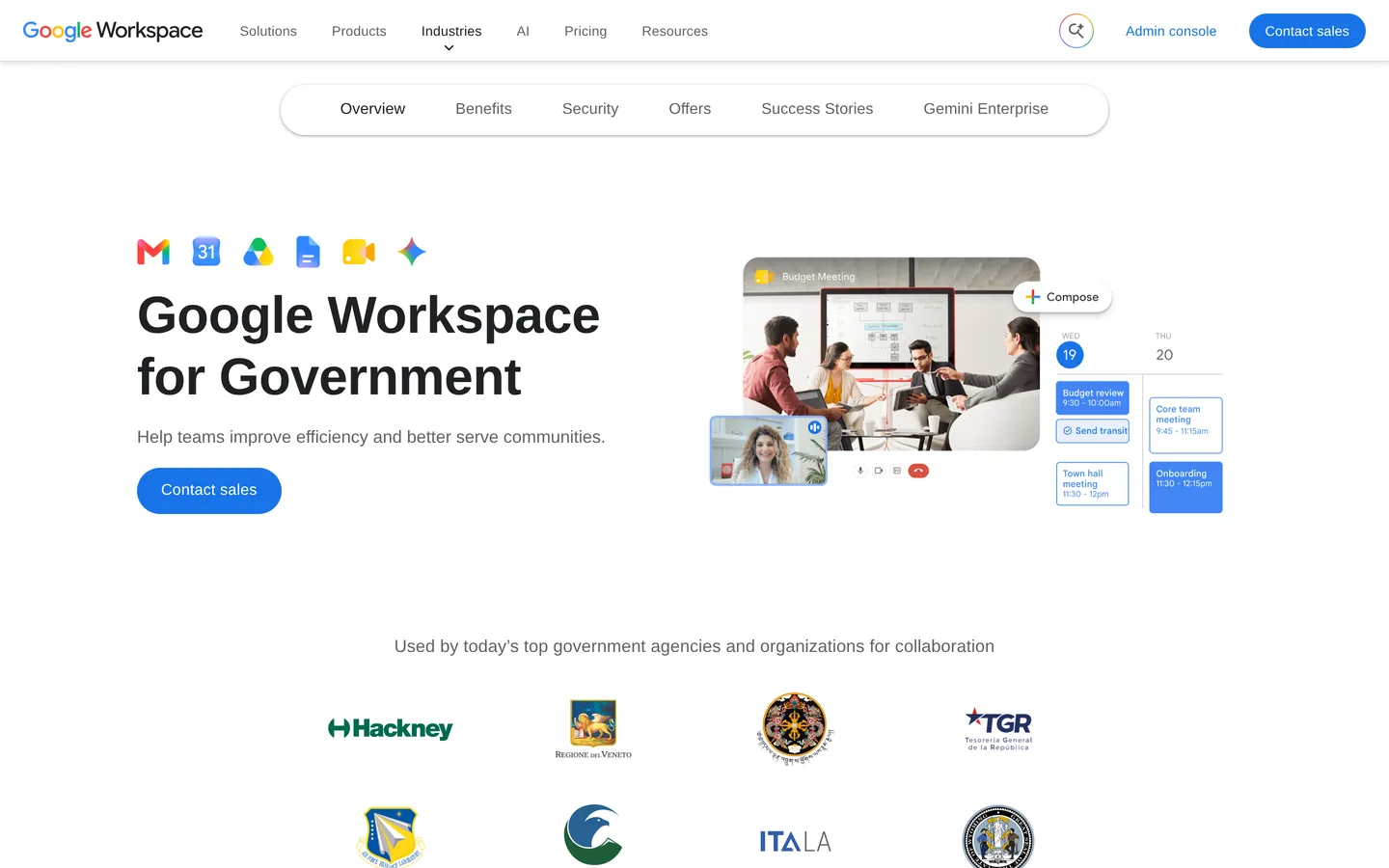
As office management software, Google Workspace covers the same ground as Microsoft 365 with a lighter, browser-first feel: Gmail, Calendar, Drive, Docs, Sheets and Meet, with real-time co-editing that many administration teams find easier than desktop Office. Google sells a government edition, Google Workspace for Government, through their sales team.
Strengths
Simple, fast co-editing in the browser
Flexible monthly plans with no annual commitment
Google sign-in works with other systems, Essential Personnel included
Limitations
Business plans stop at 300 users
No member file, credential expirations or acknowledgment trail
No public safety training, scheduling or records connectors found
Verdict
The better choice if your organization already lives in Gmail and Drive. It runs the office, not the people record.
Best forRequests and workflows across every department on configurable boards
Published priceFree up to 2 seats; Basic $9, Standard $12, Pro $19 per seat per month, billed annually
Integrations850+ integrations and apps
Connects toMicrosoft Teams, Power BI, Outlook, OneDrive, Entra ID, Google Drive
Key stat. monday.com's integrations page lists 850+ integrations and apps, more than any other work management tool here.
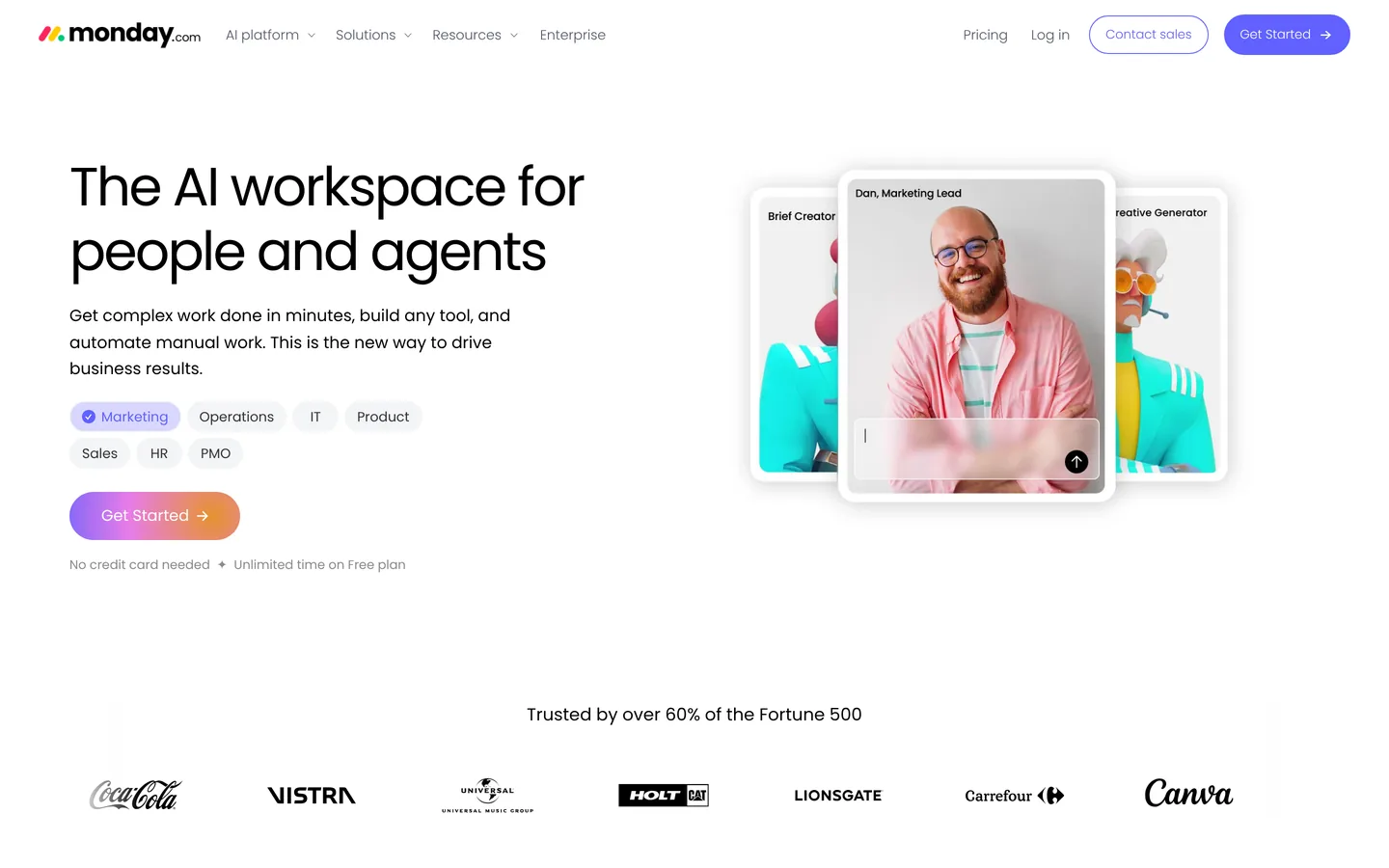
monday.com builds everything from boards, so the same tool can run a purchasing queue, a facilities request log, an onboarding checklist and a budget calendar. For a Chief of Administration who wants each department's work visible in one place without forcing it into one project method, it's the most flexible option.
Strengths
The most configurable boards and automations here
The largest integration list among the work management tools
Works with both Microsoft 365 and Google Workspace
Limitations
Flexibility means someone has to design and maintain every board
No member records; a certification board is updated by hand
No public safety training, scheduling or records connectors found
Verdict
The best work management software for a Chief of Administration who wants every department's requests and workflows on one platform.
Published priceFree for one or two people; Starter $10.99, Advanced $24.99 per user per month, billed annually
IntegrationsMore than 600 apps in its directory
Connects toMicrosoft Teams, Outlook, Power BI, Slack, Zoom, ServiceNow
Key stat. Asana's apps directory lists more than 600 integrations, from Microsoft Teams and Power BI to Entra ID and ServiceNow.
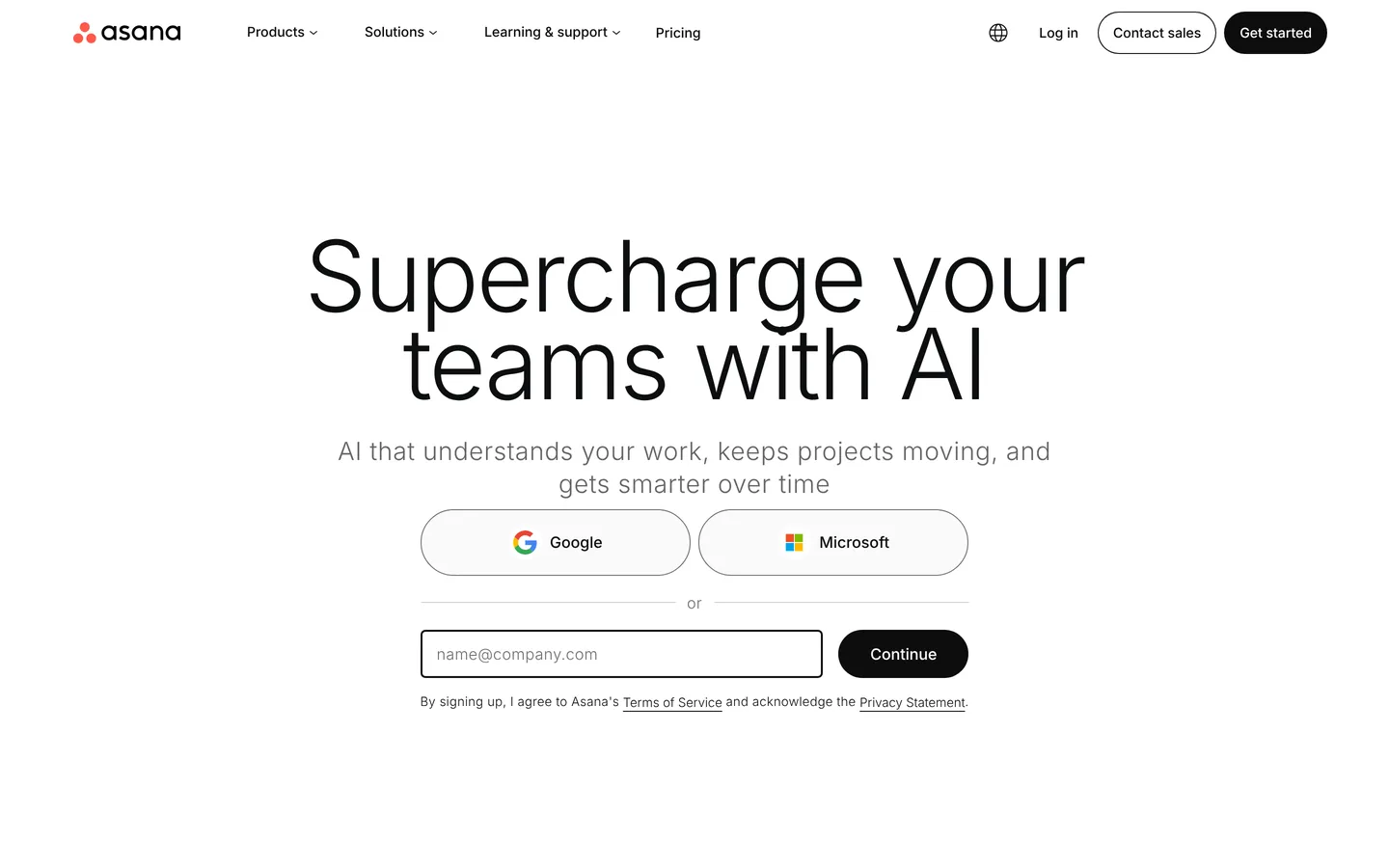
Asana is built around projects that roll up into portfolios and goals, so a chief administrative officer can see whether a facilities move, a system rollout and a hiring push are on track against the year's objectives. It's more structured than monday.com, which suits teams that want a method more than a blank canvas.
Strengths
Goals and portfolios tie projects to the year's objectives
Clean, structured project views most staff pick up quickly
A large integration directory
Limitations
Goals and unlimited portfolios need the Advanced plan at $24.99
No member records or credential tracking
No public safety training, scheduling or records connectors in its directory
Verdict
The best fit for a Chief of Administration running cross-department initiatives against goals.
Best forSpreadsheet-style project tracking, dashboards and approvals
Published pricePro $9 per member per month (1 to 10 members), Business $19 (3 or more), billed yearly
IntegrationsOver 175
GovernmentSmartsheet Gov
Key stat. Smartsheet's integrations page lists over 175 integrations, including a Workday sync for people and staffing data and a ServiceNow connector.
Smartsheet looks like a spreadsheet and behaves like a project tool, with automations, forms, dashboards and reports layered on the grid. Administration teams who already run on Excel tend to adopt it fastest, and its government edition and its Workday and ServiceNow connectors make it a natural fit for a chief administrative officer in a larger city or county.
Strengths
Familiar to anyone who works in Excel
Workday and ServiceNow connectors for HR and IT data
A government edition for agencies that need one
Limitations
The Pro plan stops at 10 members
A certification sheet holds only what someone typed in, with no source documents or state rules
No public safety training, scheduling or records connectors
Verdict
The closest fit for spreadsheet-minded government administration teams.
Best forDashboards across finance, HR, operations and project data
Published pricePro $14, Premium Per User $24 per user per month, paid yearly; Pro included in Microsoft 365 E5
Integrations200+ Power Query connectors
Connects toExcel, SharePoint, Asana, Smartsheet, SQL databases, web APIs
Key stat. Microsoft's Power Query connector list has more than 200 connectors available in Power BI, including Asana and Smartsheet.
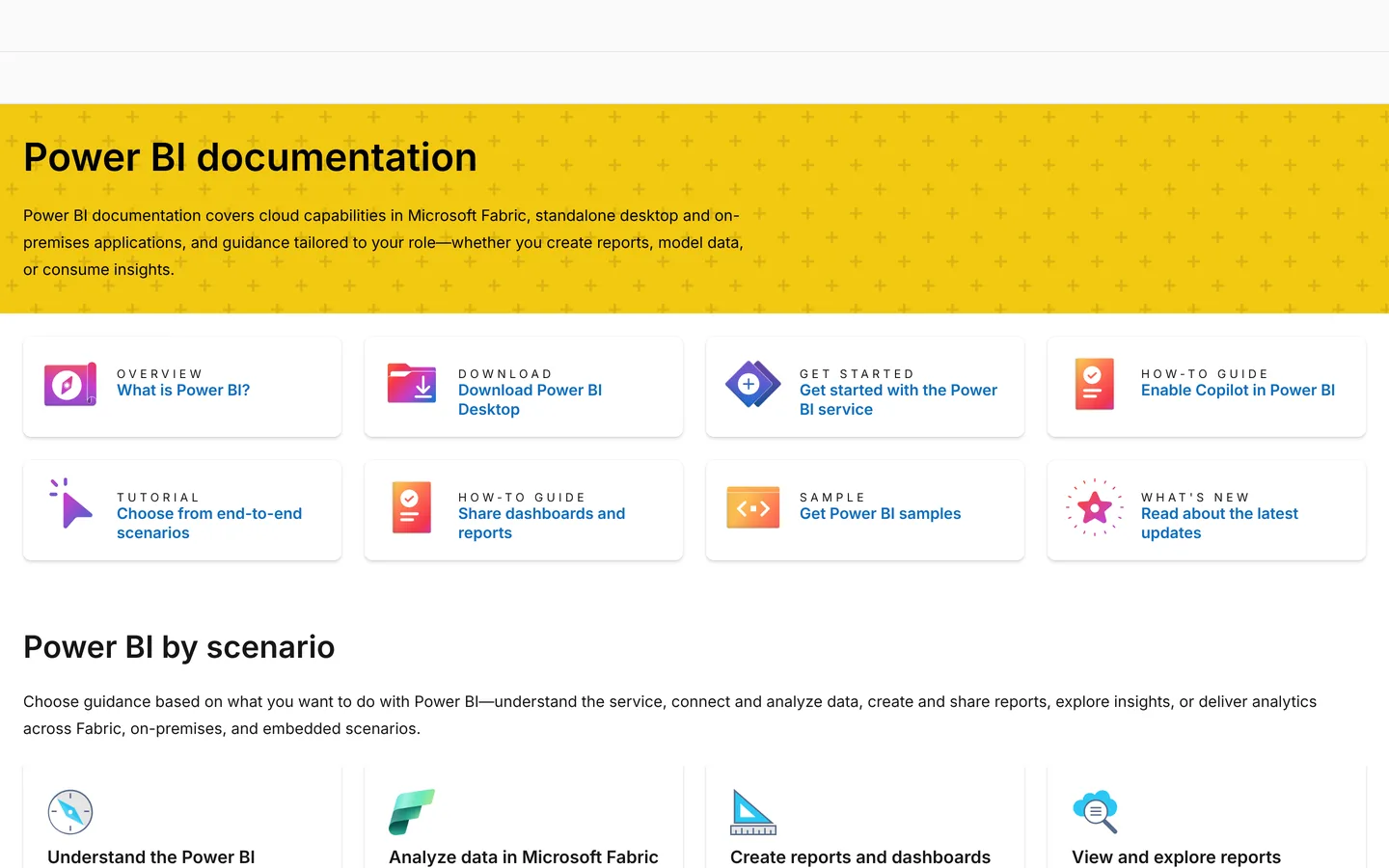
Power BI is where a Chief of Administration turns the budget, headcount, overtime and project data into one set of dashboards for the executive team or the council. It reads almost anything with an export or a database behind it, and the documentation is thorough. It reports on data; it doesn't create or hold it.
Strengths
The broadest reporting reach of any tool here
Included at Pro level in Microsoft 365 E5
Generic web and database connectors for systems without a named one
Limitations
Only as good as the records it reads
No named connector for any public safety training, scheduling or records system
Building and maintaining the data model takes an analyst's time
Verdict
The reporting layer for almost every Chief of Administration. In public safety, point it at a system that already holds the people record.
Best forHR, payroll and finance in larger organizations
Published priceNot published
IntegrationsWorkday Marketplace; connectors in Smartsheet and Power Automate
Customers11,500+ organizations, by their count
Key stat. Workday says 11,500+ organizations use their platform for HR, finance and IT, and their human capital management suite covers hiring, pay and talent.
Workday is the HR and finance system of record for many large companies, universities and public employers: hiring, payroll, benefits, time off, financials and workforce planning. It can record employee licenses and certifications with expiration dates, which puts it ahead of the office and work management tools on the people record.
Strengths
A true HR and payroll system of record
Can track licenses and certifications with expirations
Connectors from Smartsheet and Microsoft's Power Automate
Limitations
No published price, and sized for large organizations
No task books, ISO or state training hour reporting, internal affairs or early intervention
No connector for public safety training, scheduling or records systems
Verdict
The HR and finance layer for a corporate or large-government chief administrative officer. Most fire and police departments use their city's system for this instead.
Key stat. Essential Personnel publishes their pricing: $175 per user per year for all four suites, and single sign-on through any SAML or OIDC provider, including Microsoft Entra ID and Google Workspace.
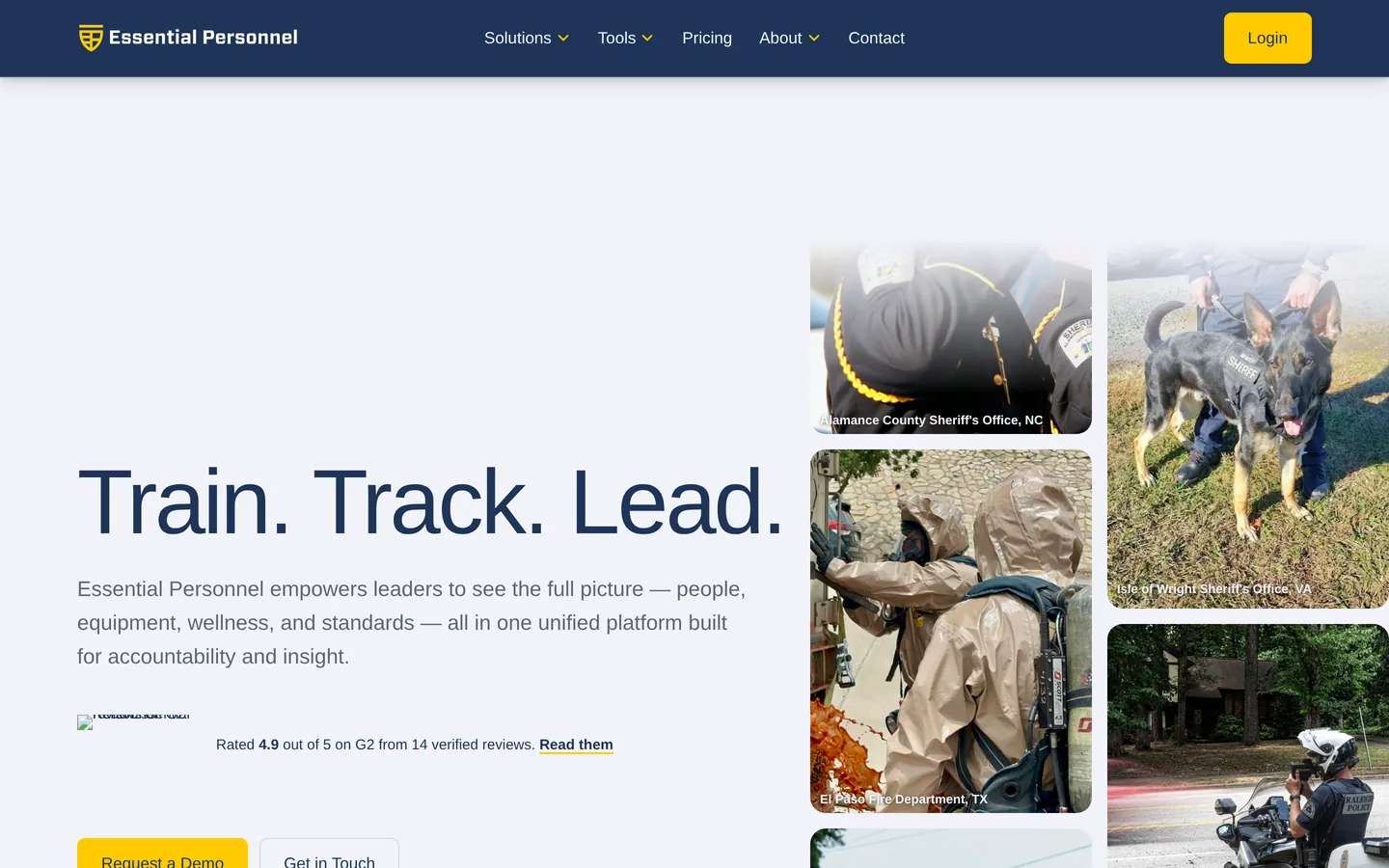
Essential Personnel was founded in 2020 by two Wilmington, North Carolina firefighters and builds public safety software for fire, EMS, police and municipal HR: personnel management software that keeps each member's record in one place. Talent Management holds certifications with expirations and source documents, task books, training hours in the logbook, field training, training events, evaluations, career paths and promotion eligibility. Safety & Wellness adds incident tracking, case management and early intervention. Guidance posts policies, memos and directives with version control and acknowledgment tracking. Equipment assigns serialized gear and fleet records to the member. It's hosted in AWS GovCloud, aligned with the FBI CJIS Security Policy, with a SOC 2 Type II report.
For a public safety Chief of Administration it's the layer the rest of the stack can't hold. Course providers such as Vector Solutions, ProdigyEMS and Fire Engineering Training feed completions into the logbook, First Due sends incident information to wellness profiles and early warning, and Aladtec handles the schedule. Your people sign in with the Microsoft or Google account they already use, and training events sync to Outlook or Google Calendar.
Strengths
One file per member for certifications, hours, policy, performance, investigations and gear
Connects to the public safety training, scheduling and records systems departments already run
Single sign-on through Microsoft Entra ID or Google Workspace
A published price, and on GSA Advantage, NASPO, Omnia Partners, NCSA and VSA contracts
Limitations
Not an office suite or a project tool. You keep Microsoft 365 or Google Workspace and your work management software
No shift scheduling. Aladtec handles that and integrates with it
Not a learning management system. Course content comes from the provider you already use
"EP is such a simple, easy-to-use system that offers immense value to our service and people."
Kyle BellDeputy Chief, Statesville NC Fire Department
"There are so many things the Biscoe Police Department likes about Essential Personnel; I don't know where to begin. One of the most liked things is that we can store so much information on one platform that is easily accessible for convenience. We keep policies, ordinances, training, and multiple other things in Essential Personnel. The staff is very friendly and helpful, and replies quickly to any questions you may have."
Tina MedlinInterim Police Chief, Biscoe NC Police Department
Verdict
The system of record for the people side of a public safety Chief of Administration's job, sitting beside the office suite, the work management tool and Power BI.
What does this mean for a Chief of Administration in fire?
A fire department Chief of Administration keeps Microsoft 365 or Google Workspace for the office and a work management tool for projects, and runs the member record in Essential Personnel: certifications, task books, ISO training hours, SOG acknowledgment, evaluations, promotion eligibility and issued gear, connected to Vector Solutions, ProdigyEMS, First Due, ESO and Aladtec.
In a fire department the Deputy Chief of Administration, sometimes titled Deputy Chief of Support Services, answers for promotional processing, recruitment, HR processing, budget and payroll, personnel and training records, policy and purchasing. The office work runs on the same tools as any other chief administrative officer. The records work doesn't, because each member carries state fire and EMS certifications on their own cycles, company and driver hours an ISO review will ask for, task books, SOGs they have to sign, and gear and apparatus assigned to them.
Training and certifications. Essential Personnel tracks certifications with expirations and source documents, task books and logbook hours. Vector Solutions syncs credentialing information, and ProdigyEMS and Fire Engineering Training feed completions into the logbook.
SOGs and policy. Guidance posts SOGs, memos and directives with version history and shows who has signed which version.
Promotions and performance. Evaluations, awards, career paths and promotion eligibility sit on the same file, so a promotion list draws on training and performance without merging spreadsheets.
Incidents, wellness and scheduling. First Due sends incident information into wellness profiles and early warning, ESO integrates on the records side, and Aladtec runs the schedule.
Equipment and fleet. Issued gear, inventory and apparatus records are assigned to the member or unit, and Geotab feeds mileage and engine hours.
Essential Personnel is the public safety software in that stack, and the only one of these tools built as personnel management software for firefighters. Our fire department ranking compares seven fire department management software systems against nine published criteria for this role, and the Fire & EMS overview shows how Essential Personnel works in a fire department.
What does this mean for a Chief of Administration in police?
A police Chief of Administration, often the assistant or deputy chief over an administrative services bureau, keeps the office suite and work management tools and runs the officer record in Essential Personnel: certifications, qualifications, field training, internal affairs and use of force cases, early intervention, policy acknowledgment and issued equipment, hosted in a CJIS-aligned environment.
In a police department the same role usually heads an administrative services bureau. Tacoma's covers internal affairs, accreditation, records, policy and procedures, recruiting, hiring, training, the quartermaster and the vehicle fleet. Baytown's covers finance and logistics, training and the academy, recruiting and personnel, communications and records. Much of that runs on the city's office suite and ERP, but the officer record has demands no office tool meets: CJIS security, internal affairs files with restricted access, and policy acknowledgments that accreditation assessors ask to see.
Training and qualifications. Certifications, qualifications, weapon scores and training objective progress on each officer's profile, with Vector Solutions syncing credentialing information.
Field training. Daily observation reports and recruit progress in the same record the officer keeps for their career.
Internal affairs and early intervention. Incident and Case Management covers internal affairs investigations, use of force, critical incidents and vehicle accidents, and an early intervention threshold can draw on training gaps, traumatic call volume and conduct entries on the same profile.
Policy and accreditation. Guidance shows that each policy was issued and which version every officer acknowledged, the issued and received evidence CALEA assessors ask for.
Quartermaster and fleet. Issued equipment by serial number, and Geotab feeds vehicle mileage and engine hours.
Essential Personnel is personnel management software hosted in AWS GovCloud and aligned with the FBI CJIS Security Policy, and Aladtec covers scheduling. Our police department ranking compares the systems built for this role, and the law enforcement overview shows how Essential Personnel works in a police department or sheriff's office.
What does the software stack cost a Chief of Administration?
At published prices, Microsoft 365 Business Standard is $14 a user a month, monday.com Pro $19 a seat, Smartsheet Business $19 a member, Power BI Pro $14 a user and Essential Personnel $175 a user a year for all four suites. Workday doesn't publish a price, and most government plans are quoted.
Take a 120-member department with a 10-person administration staff. At published prices, Microsoft 365 Business Standard for all 120 is $20,160 a year, though most departments already get it through the city. Smartsheet Business for the 10 administrative staff is $2,280 a year. Power BI Pro for three people who build reports is $504 a year. Essential Personnel's Total Solution for all 120 members is $21,000 a year, plus a $3,000 one-time start-up and $800 a year if you want single sign-on.
The cost that doesn't show on any price page is the hand-built people record. A training officer or administrative assistant who keeps certification spreadsheets, chases signatures on policy updates and assembles promotion files from four systems is a real line in the budget, and it's the line public safety software built for the people record removes. Essential Personnel's suites can also be bought one at a time, from $20 to $85 a user a year, and it's on GSA Advantage, NASPO, Omnia Partners, NCSA and VSA contracts.
How to choose office, work management and personnel management software
Keep the office management software your organization already runs, pick the work management software your department heads will actually update, and point Power BI at reliable sources. In public safety, buy a system of record for the people side and check that it connects to your training, scheduling and records systems before you sign.
Start from what you have. If the city runs Microsoft 365, stay there and use Entra ID to sign people into everything else.
Trial work management with a real process. Put one live process, such as purchase requests, into monday.com, Asana and Smartsheet for two weeks and see which one people keep updating.
Name your sources before you build a dashboard. Power BI is only as good as the systems behind it.
In public safety, open one member's file. Ask any public safety software vendor to show certifications, hours, signed policies, evaluations, investigations and issued gear for one person, on one screen.
Get integrations in writing. Ask which training, scheduling and records systems connect, in which direction, and how often.
Running administration for a fire or police department? See how Essential Personnel holds your people's certifications, training, policies and performance next to the Microsoft or Google tools you already use. Call (910) 390-0011 or email info@essper.com.
There isn't one product. Most use Microsoft 365 or Google Workspace for the office, monday.com, Asana or Smartsheet for projects, Power BI for reporting and an HR and finance system such as Workday. In public safety, where the role also owns certifications, training records, policy acknowledgment and professional standards, Essential Personnel is the system of record for that people side.
A Chief of Administration, also called a chief administrative officer, runs the functions that keep an organization working: budget and finance, HR, procurement, technology, facilities, policy and records. In a fire or police department the role, often a deputy or assistant chief, also owns training records, certifications, accreditation, internal affairs, recruiting and issued equipment for every member.
For email, documents, meetings and files, yes. It doesn't hold certifications with expiration dates, training hours against state requirements, task books, policy acknowledgments tied to a member's file or internal affairs cases, and its connector reference lists nothing for Vector Solutions, Aladtec, ESO or First Due. Public safety departments pair it with personnel management software such as Essential Personnel.
monday.com suits a Chief of Administration who wants every department's requests on configurable boards, with 850+ integrations. Asana suits cross-team projects tied to goals. Smartsheet suits spreadsheet-minded teams and has a government edition. Prices are close: $9 to $19 a seat for monday.com, $10.99 to $24.99 for Asana and $9 to $19 for Smartsheet, billed annually.
Power BI can report on certifications and training if they already live in a system it can read, but it doesn't create or hold the records. It has more than 200 connectors, none of them for public safety training, scheduling or records systems. Point it at a system of record such as Essential Personnel or a maintained export, not a spreadsheet someone updates by hand.
An office suite and a work management tool for the office, plus a member record for certifications, task books, ISO training hours, SOG acknowledgment, evaluations, promotion eligibility and issued gear. Essential Personnel holds that record and connects to Vector Solutions, ProdigyEMS, First Due, ESO and Aladtec, so training, incidents and the schedule reach the member's file without retyping.
The city's office suite and ERP for email, budget and payroll, plus an officer record that meets CJIS security. Essential Personnel holds certifications, qualifications, weapon scores, field training, internal affairs and use of force cases, early intervention, policy acknowledgment and issued equipment on one profile, hosted in AWS GovCloud, with Vector Solutions and Aladtec integrations for training and scheduling.
No. Essential Personnel isn't an office suite, a project tool, a scheduler or a learning management system. It holds the public safety people record and sits beside the tools you already run, with single sign-on through Microsoft Entra ID or Google Workspace and training events that sync to Outlook or Google Calendar. It's $175 per user per year for all four suites.
About this article. Written by Scott Monroe, Chief Executive Officer & Co-Founder of Essential Personnel, and published 24 November 2026. Scott and Preston Stackhouse were Wilmington, North Carolina firefighters who got tired of tracking their people across spreadsheets, binders and shared drives, and founded Essential Personnel in 2020. Hundreds of fire, police and EMS departments now use it to run the people side of administration. Prices, integration counts and product details come from each vendor's own pages, checked in November 2026.
By clicking “Accept All Cookies”, you agree to the storing of cookies on your device to enhance site navigation, analyze site usage, and assist in our marketing efforts. View our Privacy Policy for more information.