How to choose fire department training software
Choose fire department training software by working backwards from the reports you're required to produce. Four capabilities decide it: hour and activity logging, event management with attendance and cost, certification currency with expiration alerts, and task book tracking. Most products do two of the four well, and the two they skip are usually the two that generate your annual reporting.
Take the four to every demo and ask the vendor to show each one on live data rather than a slide:
- Hour and activity logging. Can it record company hours, driver hours and custom benchmarks with identifiers you can sort and report on later?
- Event management. Does it track attendance and cost per event, and handle conference requests and internal class scheduling?
- Certification currency. Can it show lapses in the next 90 days, and does it hold the source document rather than a note saying one exists?
- Task books and qualifications. Can it produce officer development task books, new-employee check-offs and specialty equipment check-offs, and does progress follow a member who transfers?
Two further questions separate systems that hold records from systems that use them. Does the annual submission fall out of daily work, or does someone assemble it? And does a probationary evaluation from one officer compare fairly against another officer's, or does the outcome depend on which supervisor happened to write it?
What fire department training software costs
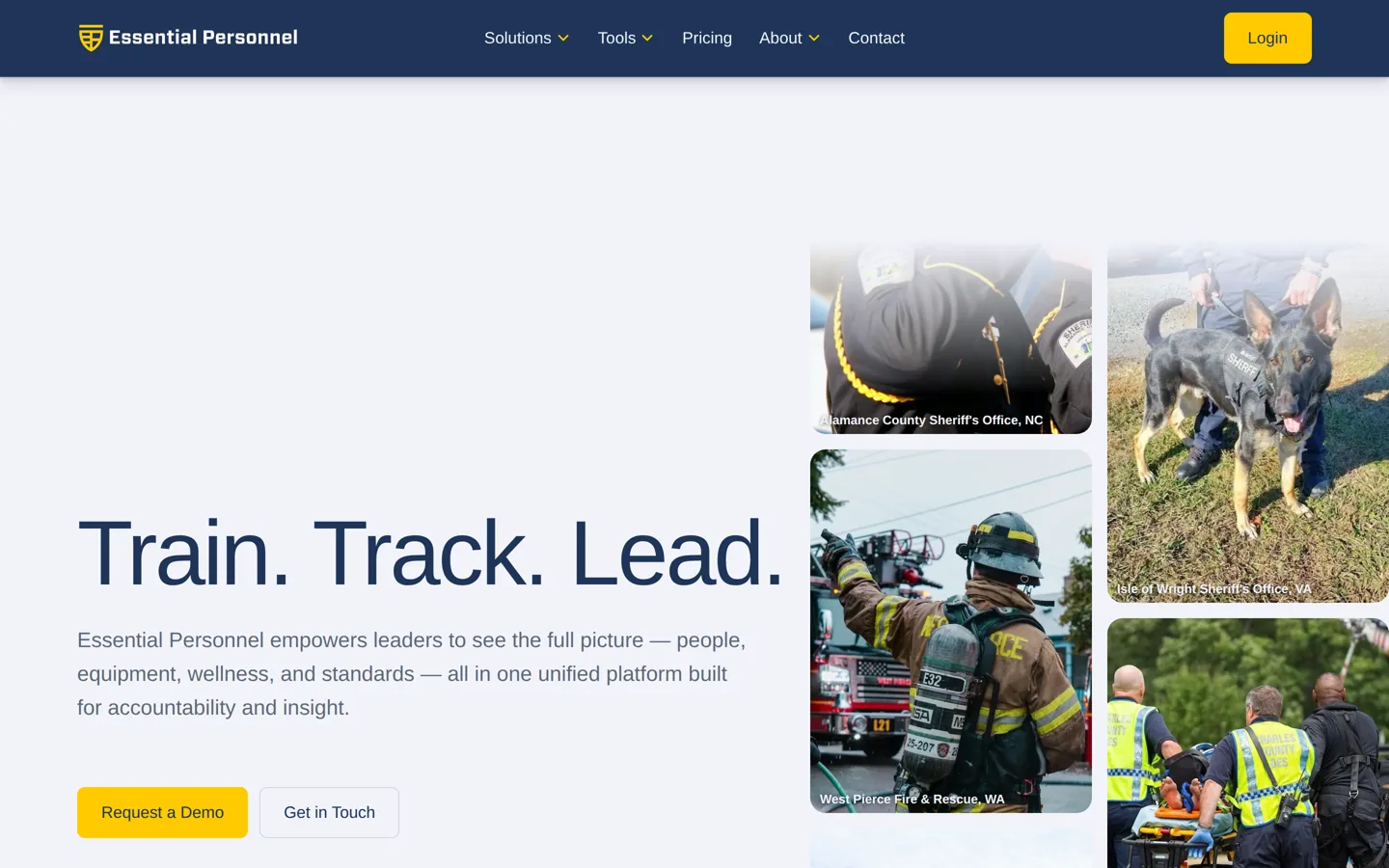
Fire department training software is normally priced per user per year, and almost all of it is quote only. Essential Personnel publishes its pricing at $175 per user per year for the bundled solution, with individual suites from $20 to $85 per user and a one-time $3,000 startup fee. TalentLMS also publishes rates and offers a free tier. The other seven systems on this list quote on request.
Published pricing is rare enough in this category to be worth using as a benchmark. If you can anchor on one real number, quote-only vendors become much easier to evaluate, and you can tell your finance office what a comparable system costs before procurement starts. Current figures are on the Essential Personnel pricing page.
Two costs are routinely left out of comparisons. The first is reconciliation: if your roster lives in three systems, somebody maintains it in three systems, and that work is invisible on a price sheet. The second is content. A general-purpose LMS license doesn't include public safety coursework, so the real figure is the platform plus a content subscription.
Ranking methodology: the Fire Service Training Readiness Framework
Nine systems were scored against seven weighted criteria. The weighting covers both delivering training and proving it, because that's the split that decides most purchases. No vendor paid for placement, and no vendor was given the criteria in advance.
Scores were built from each vendor's own published documentation, the capabilities demonstrable in a standard demo, accreditation registers including CAPCE for pre-hospital continuing education, and published pricing where it exists. Where sources disagree on a founding date or a headcount, the figure here is the one the company publishes itself.
How the list is ordered
The order below is a decision sequence, not a league table.
- Position 1 is the record layer. Settle where training evidence lives before you shop for content, because the record outlives every course subscription you will ever buy.
- Positions 2 to 6 are content sources, ordered from most fire and EMS specific to most general. This is where you solve course delivery.
- Positions 7 to 9 are broader suites in which training is one module alongside policy, HR or a multi-industry product line, ordered by how much non-training scope comes with them.
A department whose gap is coursework should read positions 2 to 6 first and treat position 1 as the thing to fix next year. A department that already has a course provider and can't answer a certification question should start at position 1. The scores below break out every criterion, so you can weight them for your own situation.
How the nine systems scored
Scores are out of each criterion's weight. There's no total column, because one number would hide the thing you need to see. Weight the columns that match your gap and the picture changes.